Put the offer near the moment
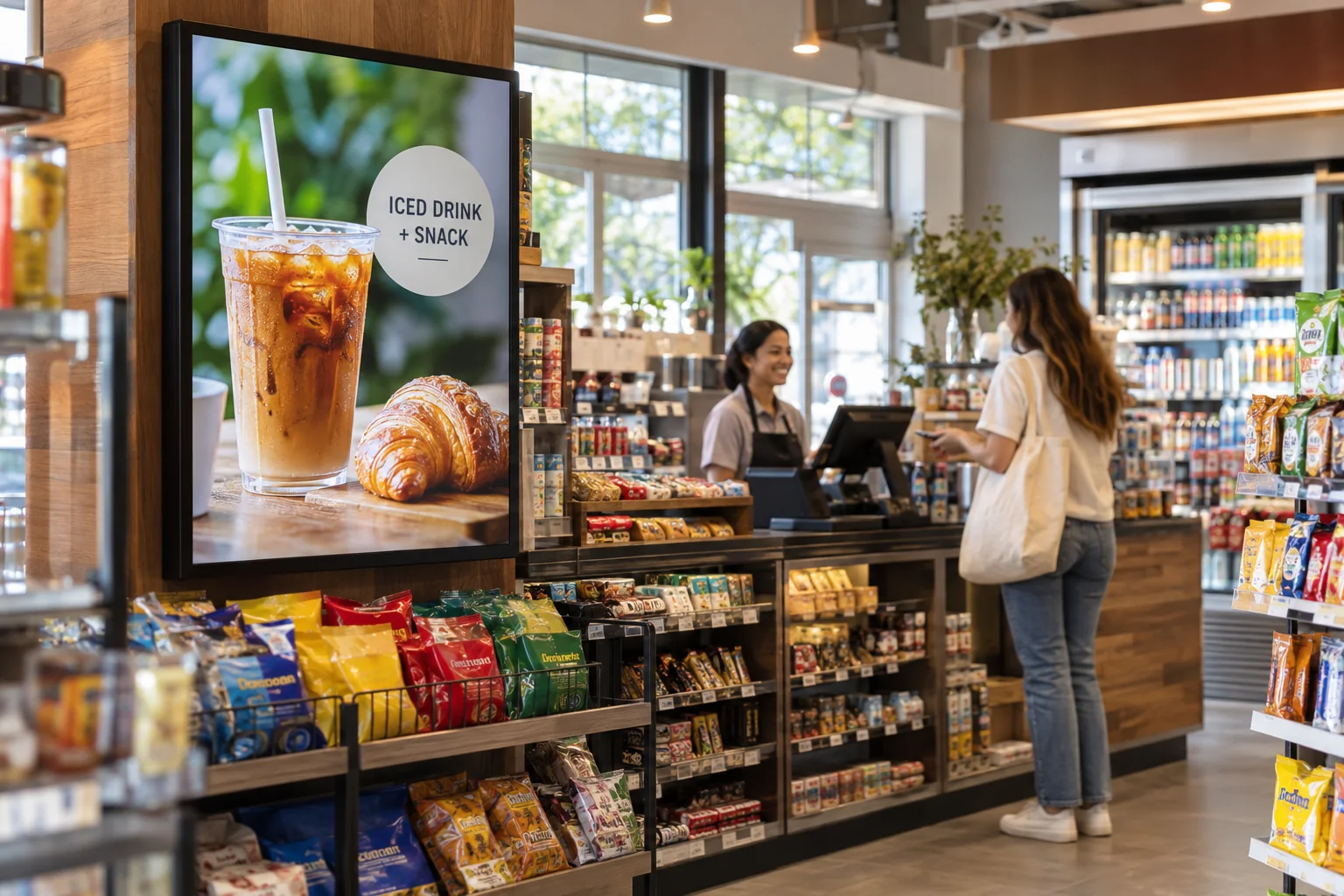
Use a screen by the checkout or an end display to show a drink combo, a new product, or a simple reminder about an offer elsewhere in the store.
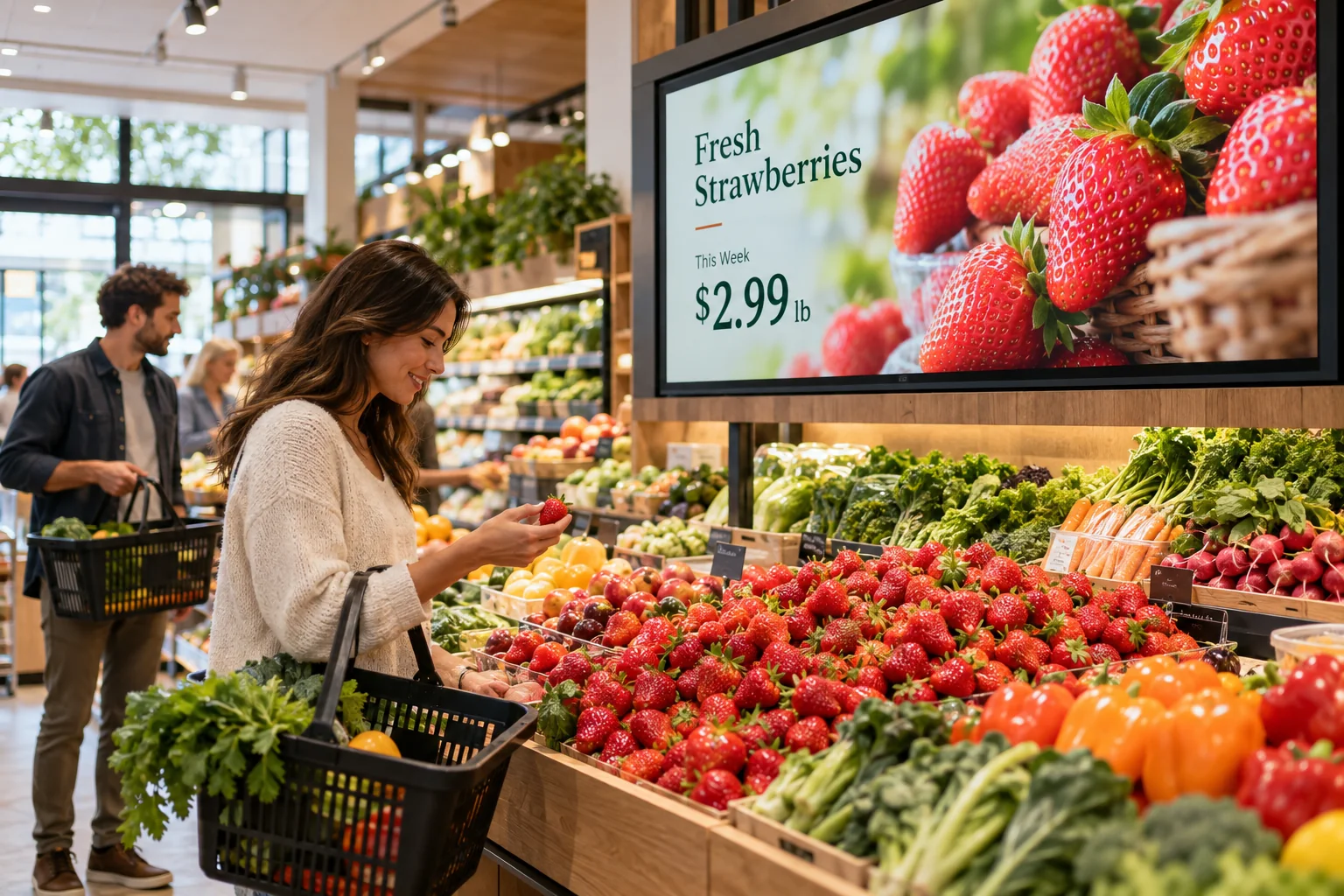
A new arrival, a quick snack, a seasonal offer. Put the things worth noticing on a screen where shoppers already stop, browse, or wait to pay.
Your photos. Your message. Your screens.
Start with what your visitors already want to know. Then add a little personality.
Use a screen by the checkout or an end display to show a drink combo, a new product, or a simple reminder about an offer elsewhere in the store.
A short demonstration video or a clear product photo can explain something a shelf tag cannot. Keep the message focused on one thing at a time.
Create slides for holidays, back-to-school offers, local events, or weekend specials. Reuse the layout and swap the photos and text when the next promotion comes along.
New on the shelf • Weekend picks • A quick snack before you go
Just one idea. Build a look that feels like you.
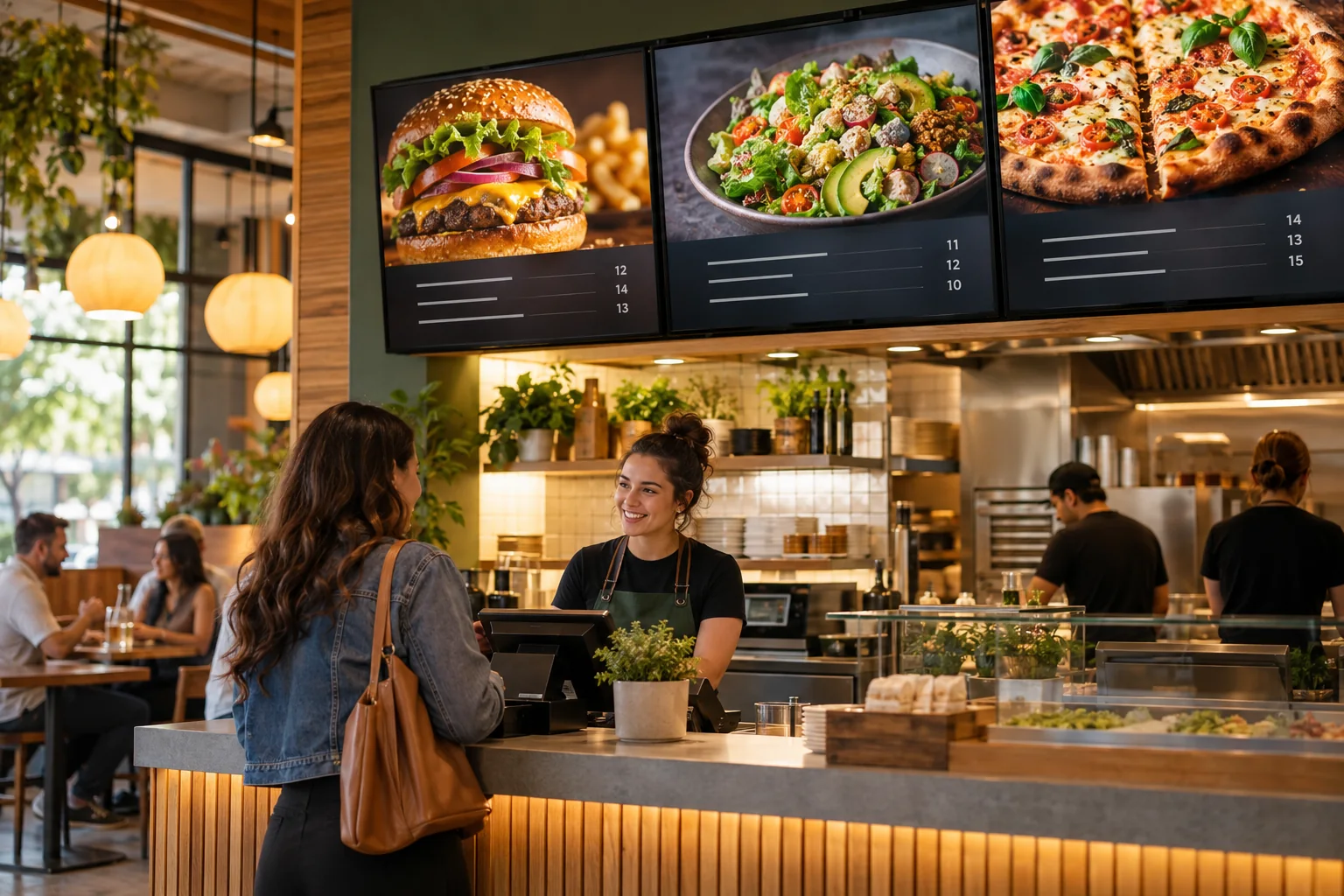
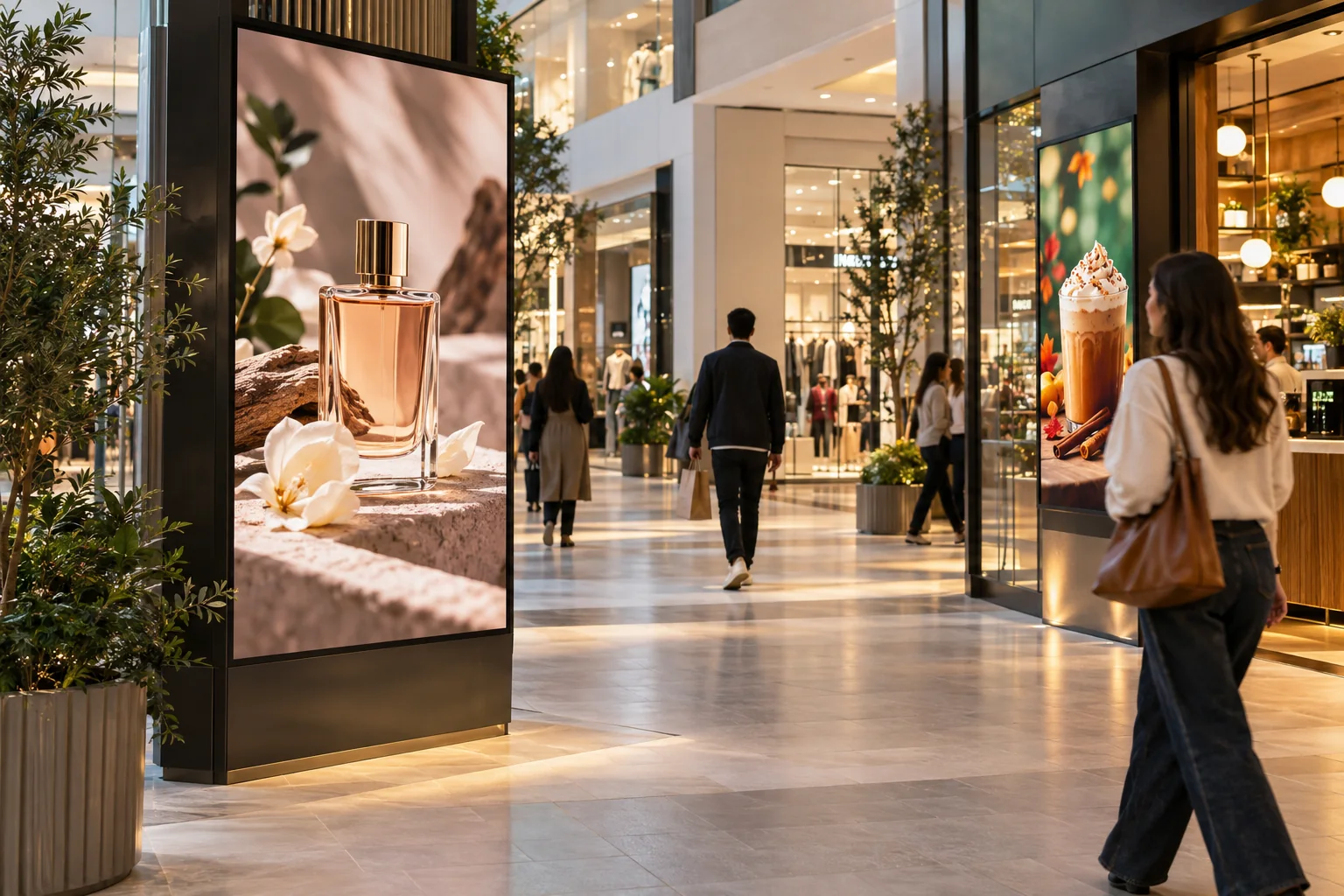
The window screen does not have to say the same thing as the screen by the register. Use one to introduce the shop and another to feature smaller offers. Work with photos, video, and simple text, then update each screen when the promotion changes.
See what the software can doThe Online Design Studio is included in every plan. You can keep it simple and add more as you go.
Have something specific in mind? Tell us about it.
Ask us a questionYes. Create a design for the screen’s orientation. A vertical layout works well beside a checkout or in a narrow storefront display.
No. Start with a ready-to-use template and change the text and pictures. If you would rather have someone create the design for you, ask about our menu design service.
You need a compatible TV or display setup running the Interactive Menus app, plus an account. Visit the app page to check the available platforms, or contact us before choosing a player. See the apps →
One screen or several locations. Start with what you need today.