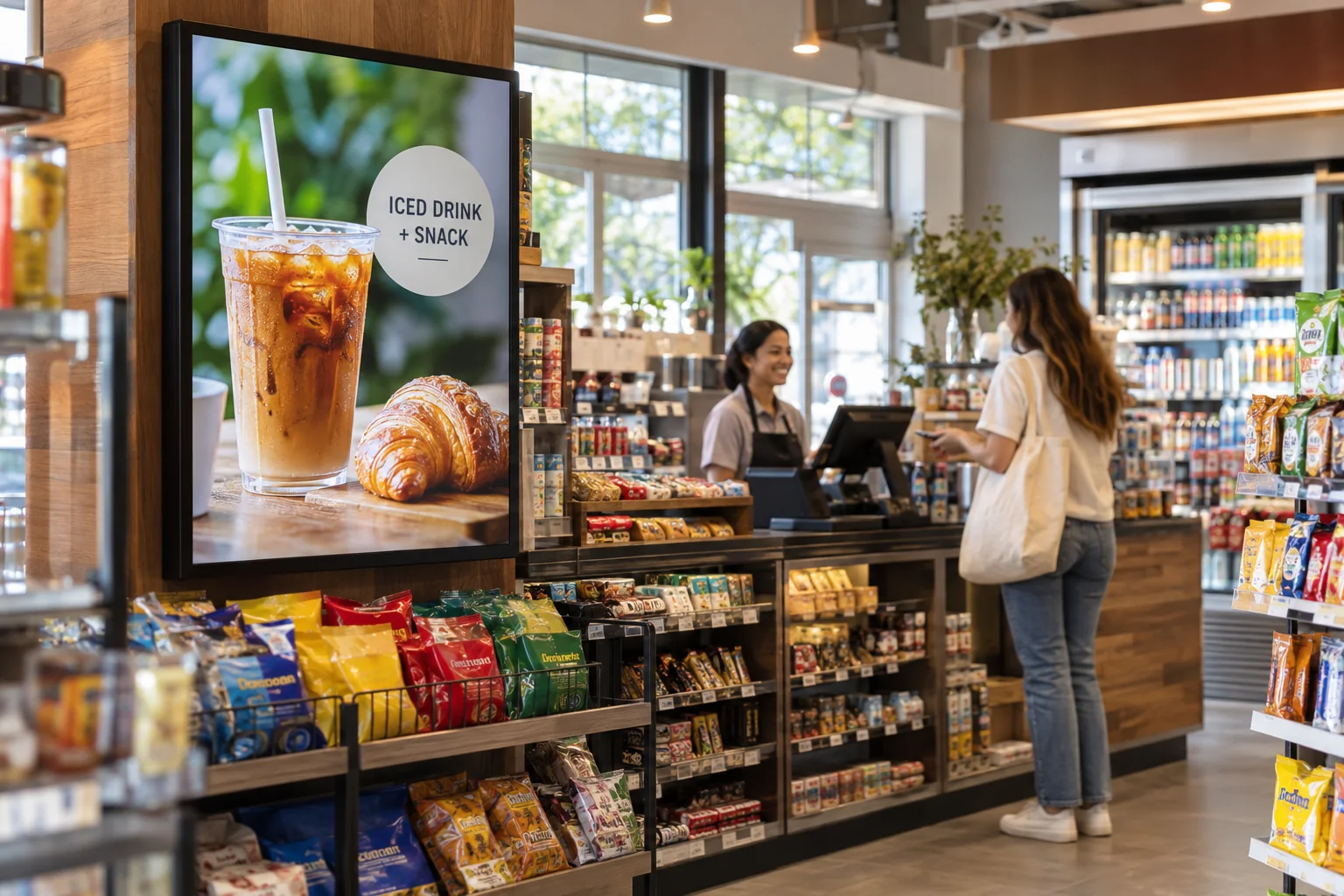
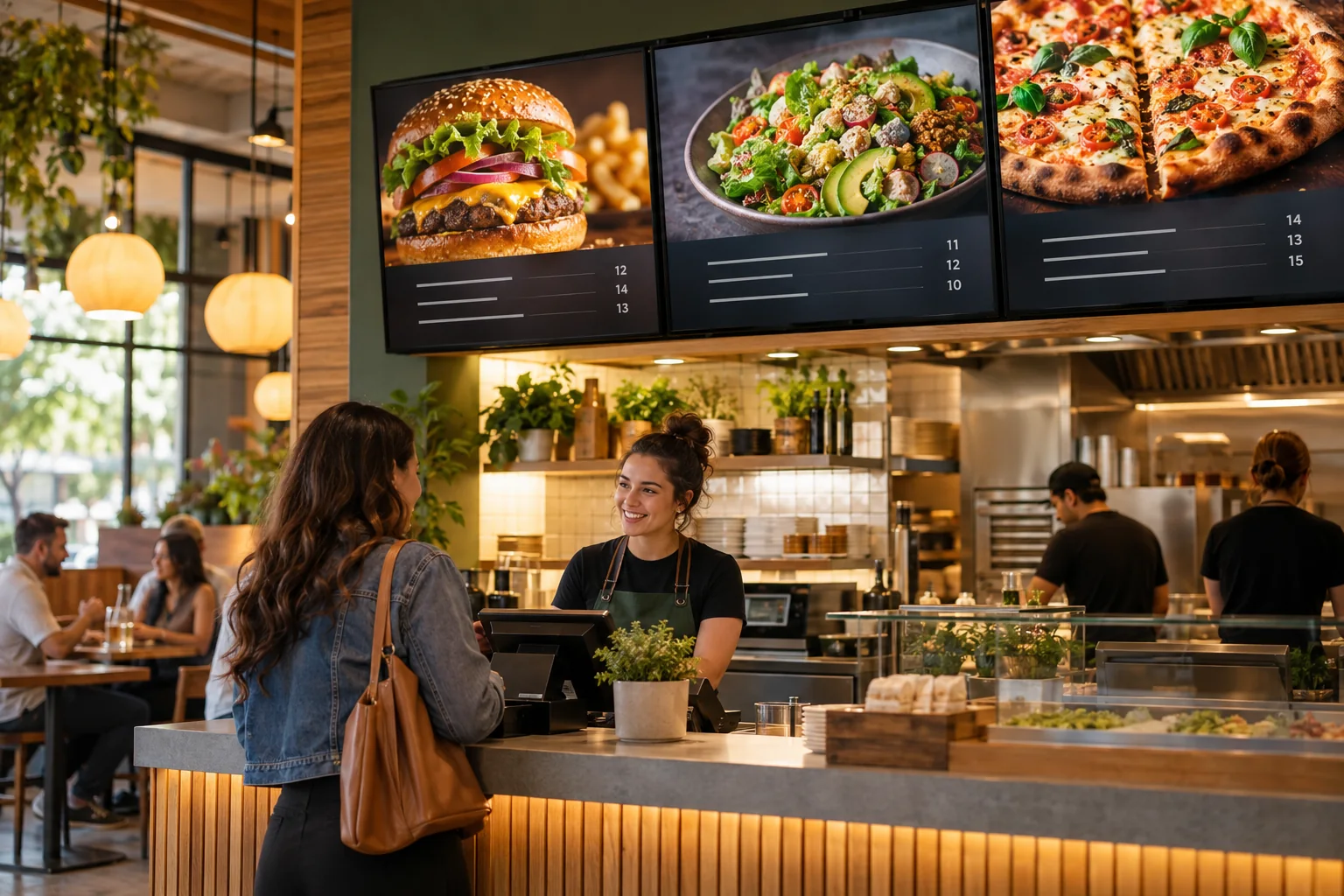
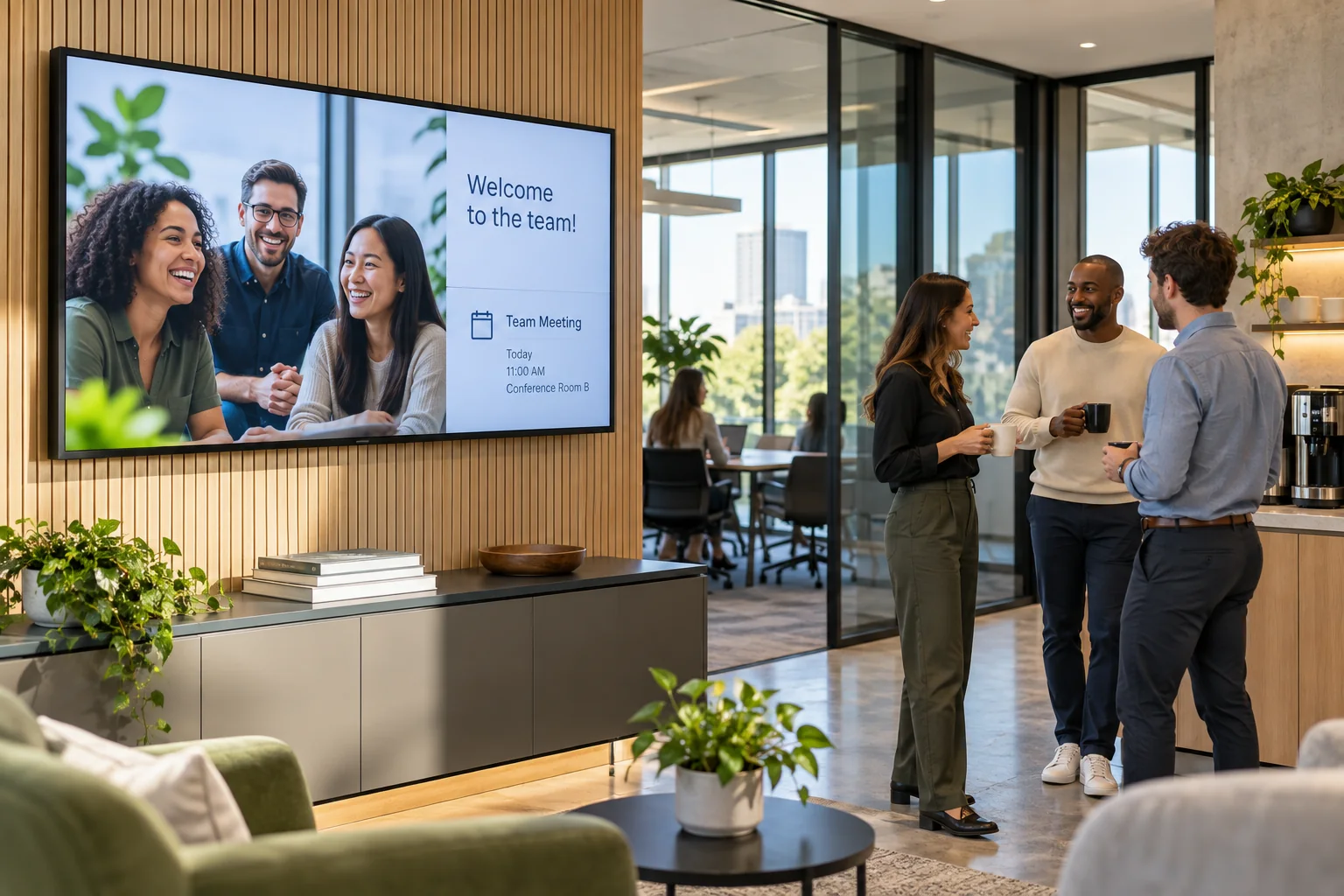
Give the creative room to breathe
Show a full-screen product photo, a short brand video, or a simple campaign message. Keep the artwork clear and the copy short enough to read while walking past.
Some messages work better off the phone. Use digital displays to bring campaign artwork, product videos, and local promotions into the spaces where people already spend time.
Your photos. Your message. Your screens.
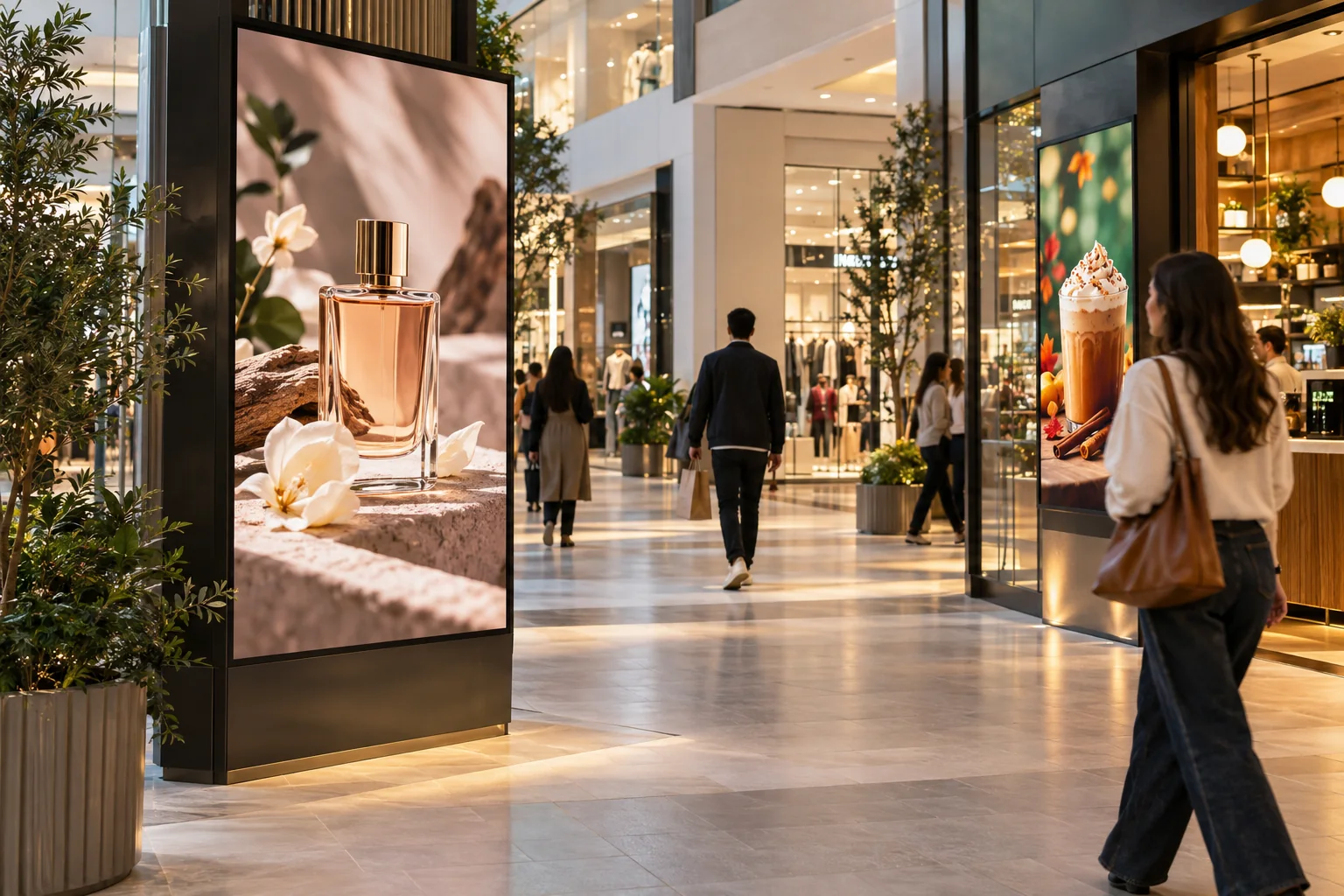
Start with what your visitors already want to know. Then add a little personality.
Show a full-screen product photo, a short brand video, or a simple campaign message. Keep the artwork clear and the copy short enough to read while walking past.
Arrange image and video slides for a store, lobby, or event. Mix campaign messages with useful information so the display feels like part of its surroundings.
Help nearby businesses announce an opening, promote an event, or introduce an offer. Reuse a layout, replace the artwork, and keep the next campaign easy to build.
A new collection • A local event • A story in motion
Just one idea. Build a look that feels like you.
Start with the artwork you already have, or build a layout in the Online Design Studio. Add photos, video, and text, arrange the slides, and publish to your screens. Keep different designs for different locations so each message makes sense where people see it.
See what the software can doThe Online Design Studio is included in every plan. You can keep it simple and add more as you go.
Have something specific in mind? Tell us about it.
Ask us a questionThis setup helps you create and show your content. It does not include an ad marketplace, audience tracking, or campaign performance reports.
No. Start with a ready-to-use template and change the text and pictures. If you would rather have someone create the design for you, ask about our menu design service.
You need a compatible TV or display setup running the Interactive Menus app, plus an account. Visit the app page to check the available platforms, or contact us before choosing a player. See the apps →
One screen or several locations. Start with what you need today.