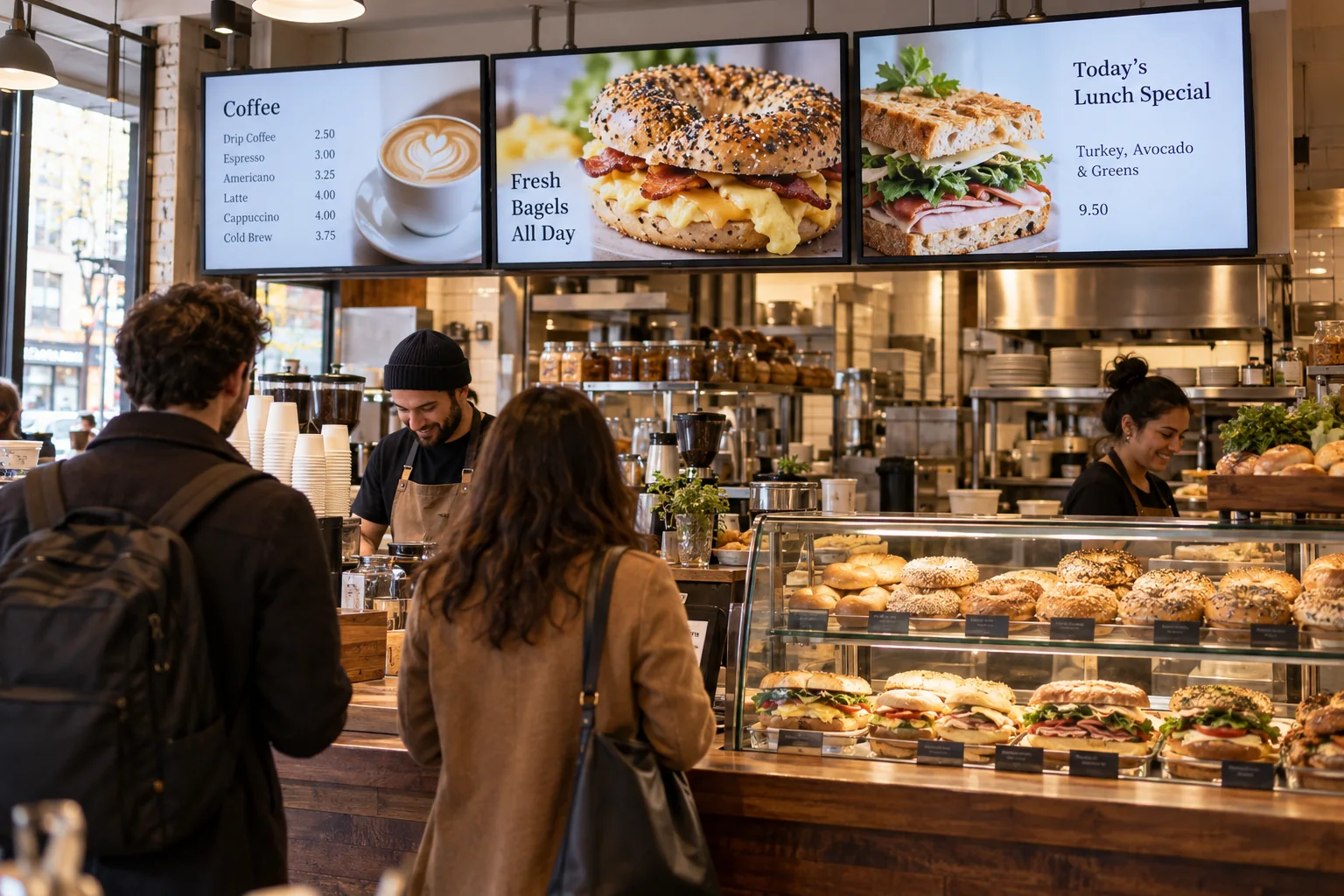
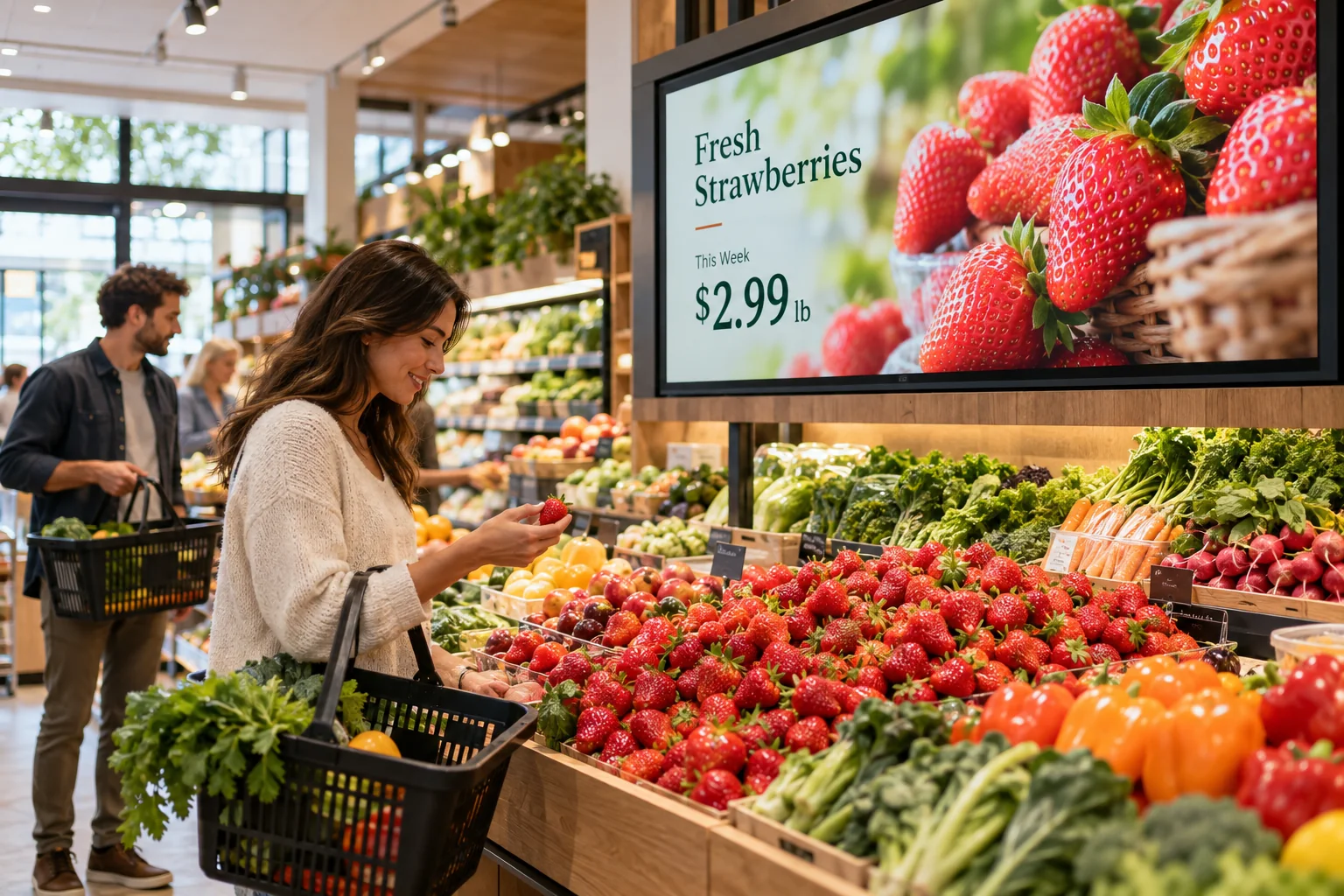
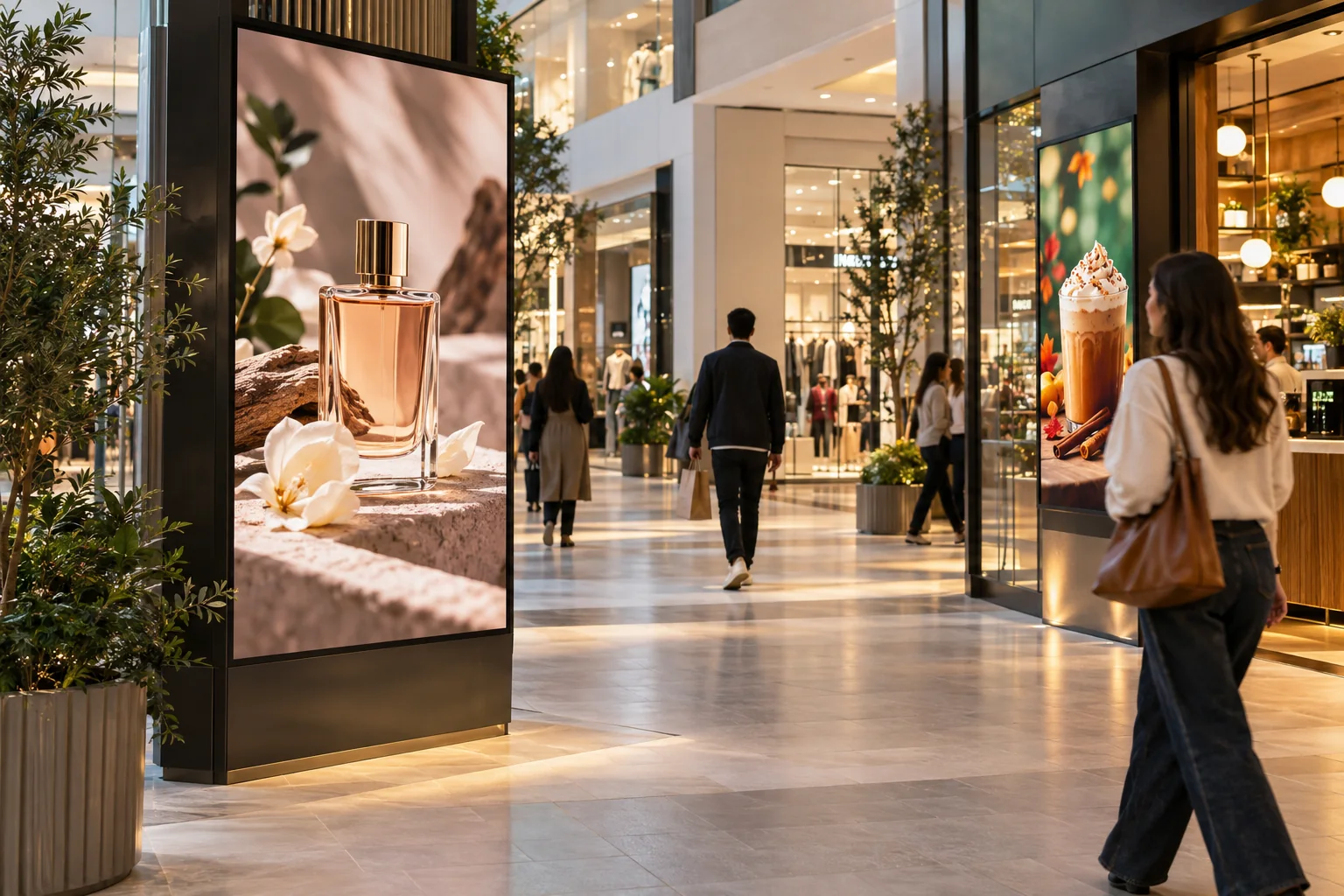
Keep your best dishes front and center
Use your own food photos to feature a signature dish, a new dessert, or a meal combo. A few well-chosen items can say more than a crowded board.
Your food already does the talking. Give it a bigger stage with clear digital menus, close-up photos, and short videos that make the next order a little easier to choose.
Your photos. Your message. Your screens.
Start with what your visitors already want to know. Then add a little personality.
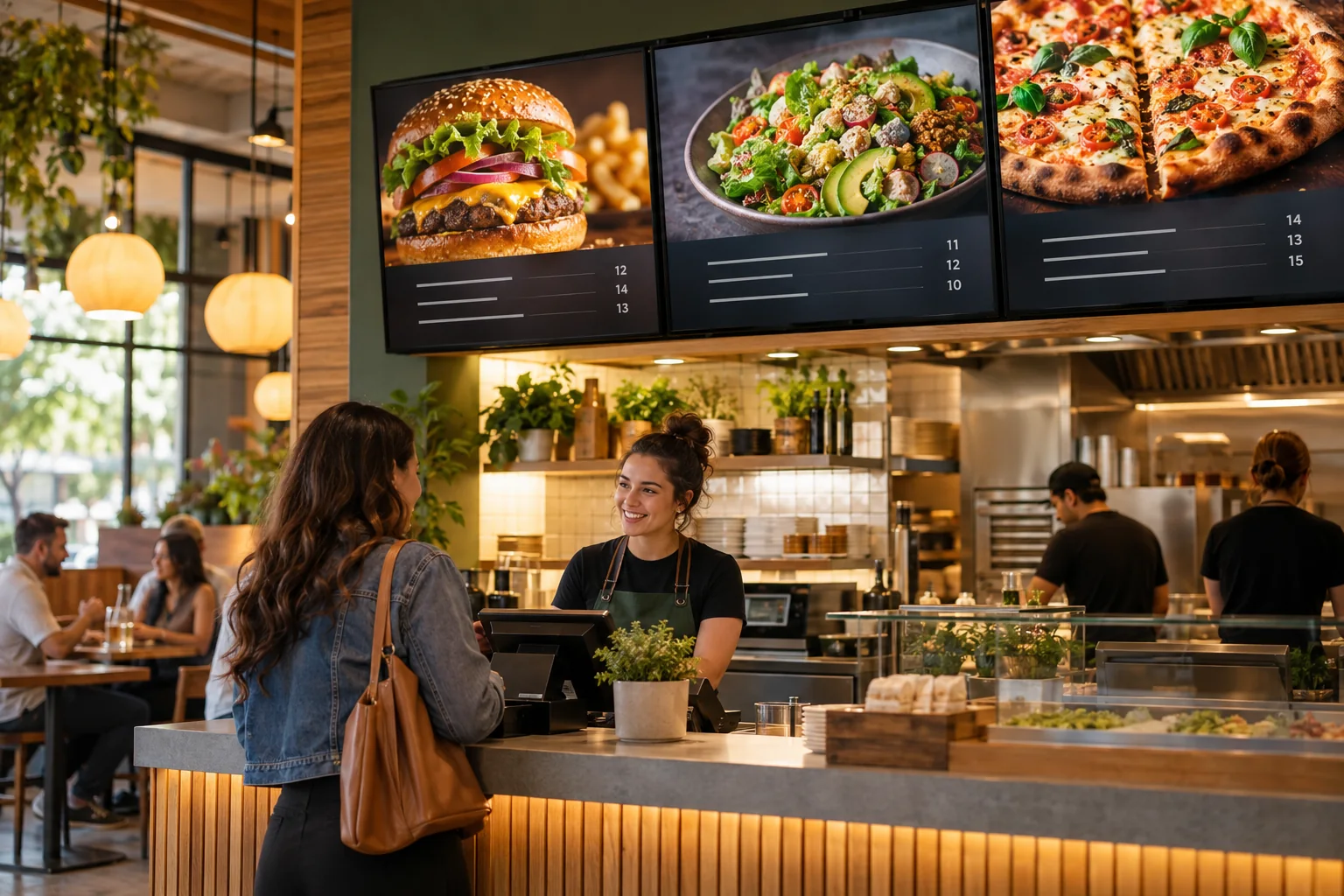
Use your own food photos to feature a signature dish, a new dessert, or a meal combo. A few well-chosen items can say more than a crowded board.
Separate entrees, sides, drinks, and extras so customers can find what they want. Use different designs for your counter, bar, or takeout area.
Let the screen mention catering, private events, seasonal dishes, or your latest social posts. There is room for your story alongside the specials.
House favorites • The new special • Something sweet to finish
Just one idea. Build a look that feels like you.
Maybe a dish needs a new price, or you finally got a photo that does it justice. Open the Design Studio, make the change, and publish it. Keep one simple menu or build several slides with photos, text, and video. You decide how much to show.
See what the software can doThe Online Design Studio is included in every plan. You can keep it simple and add more as you go.
Have something specific in mind? Tell us about it.
Ask us a questionYes. You can give each screen its own design. For example, use one for food, another for drinks, and another for specials. Paid plans are priced per screen.
No. Start with a ready-to-use template and change the text and pictures. If you would rather have someone create the design for you, ask about our menu design service.
You need a compatible TV or display setup running the Interactive Menus app, plus an account. Visit the app page to check the available platforms, or contact us before choosing a player. See the apps →
One screen or several locations. Start with what you need today.