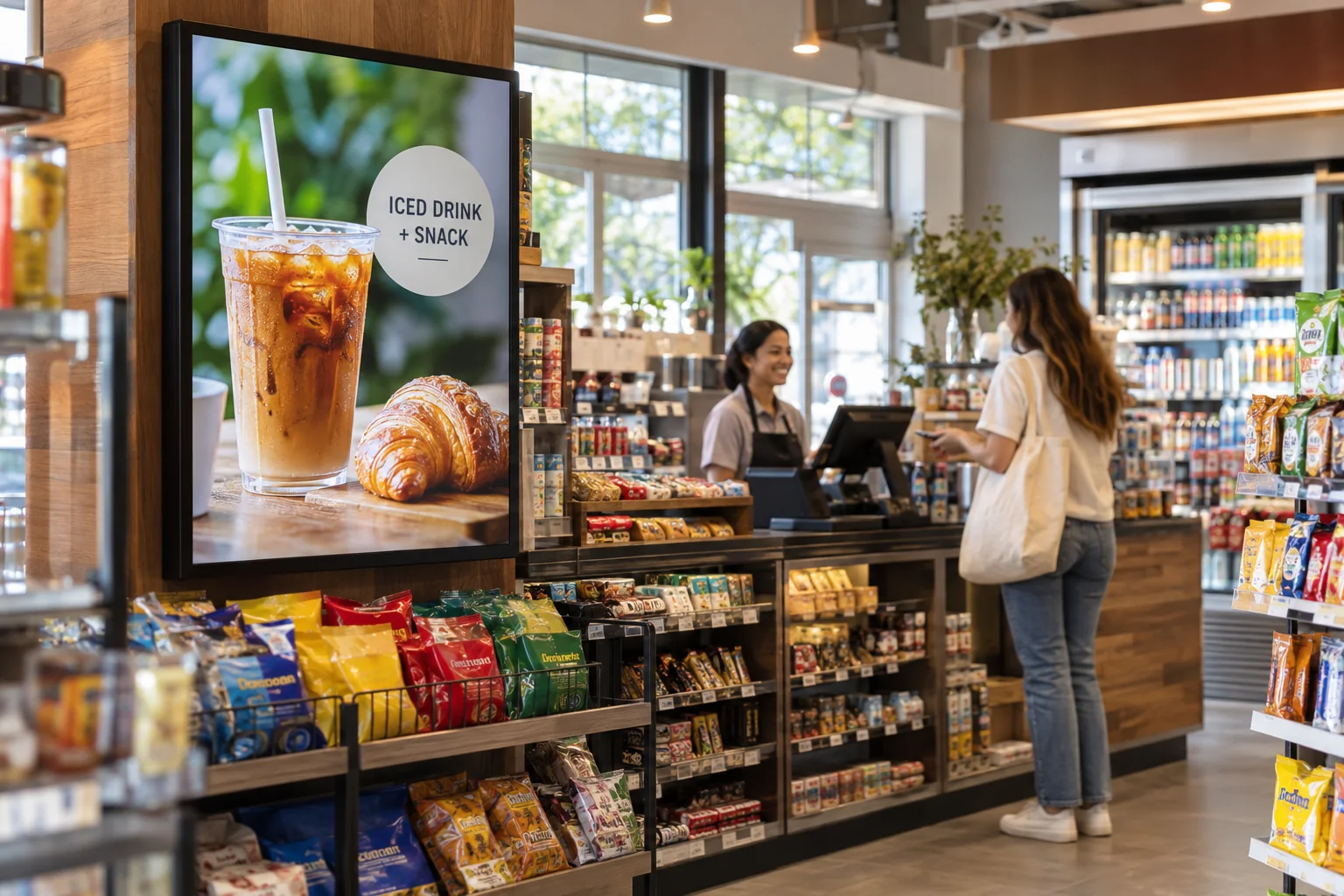
Put the class schedule where it counts
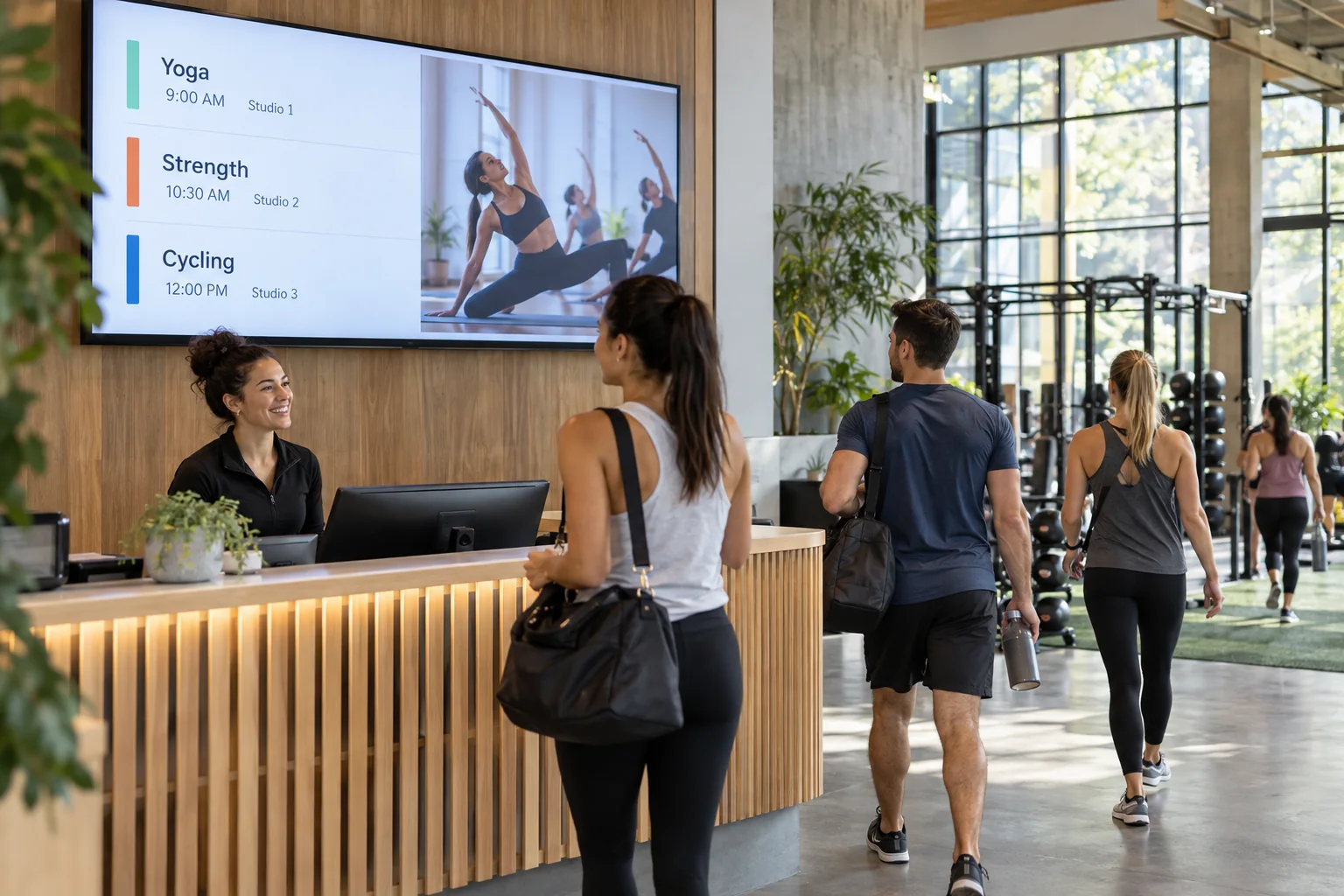
Show today’s yoga, cycling, or strength sessions in a clear timetable. Add room names and instructor details as text so members know where to go.
There is always something happening at the gym. Help members find the next class, meet the trainers, and hear about new programs with screens that feel like part of the place.
Your photos. Your message. Your screens.
Start with what your visitors already want to know. Then add a little personality.
Show today’s yoga, cycling, or strength sessions in a clear timetable. Add room names and instructor details as text so members know where to go.
Feature trainer photos, short introduction videos, and information about your programs. Help a new member put a face to the person they have been meaning to ask.
Share event photos, gym challenges, workshop dates, or a quick reminder about an upcoming activity. Mix the updates with short, helpful workout content.
Yoga • Strength • Cycling • Meet your trainers
Just one idea. Build a look that feels like you.
The reception screen can welcome members and introduce programs. Another screen near a studio can show its class timetable. Build each layout with your own photos and colors, then edit the schedule in the Design Studio whenever it changes.
See what the software can doThe Online Design Studio is included in every plan. You can keep it simple and add more as you go.
Have something specific in mind? Tell us about it.
Ask us a questionThis example uses a timetable you create and edit in the Design Studio. It does not assume a connection to booking software or live class availability.
No. Start with a ready-to-use template and change the text and pictures. If you would rather have someone create the design for you, ask about our menu design service.
You need a compatible TV or display setup running the Interactive Menus app, plus an account. Visit the app page to check the available platforms, or contact us before choosing a player. See the apps →
One screen or several locations. Start with what you need today.